
Description
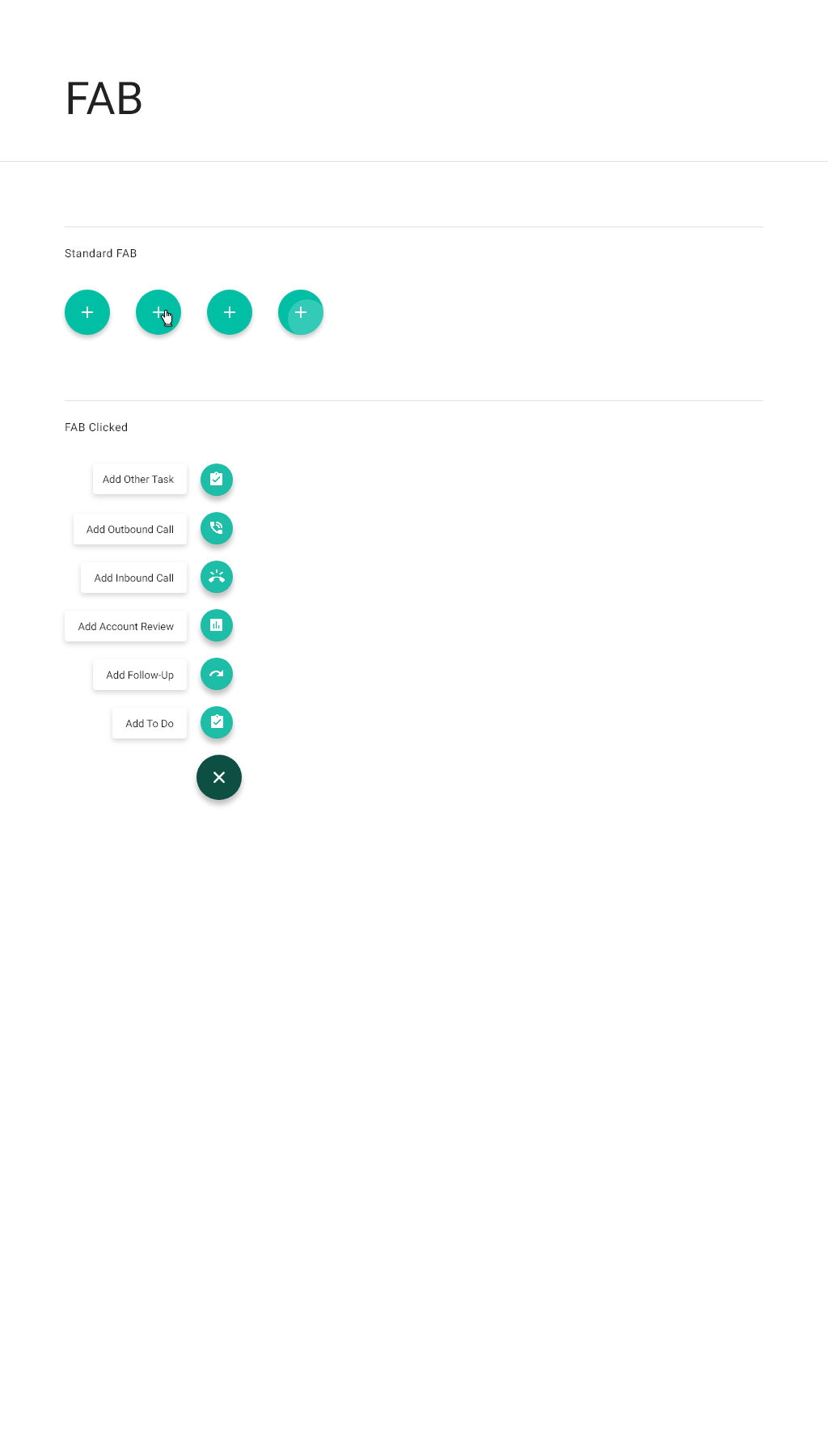
A floating action button (FAB) is used to quickly access the most common functionality for a workspace or the application. You can define a default FAB for all workspaces or have a contextual FAB for each individual workspace.
When to use
Use on all navigation screens for quick “add” functionality. Use on all detail screens for quick “edit” functionality.
Do not use on forms, dialogs, or dashboards.
Interactions
Click the FAB on a workspace to open the related action menu and then select an action. This opens the full-screen add or edit dialog for the workspace.
Specifications
Detailed specifications
|
Element |
Details |
|---|---|
|
Icon size, color |
40x40, 100% Accent color |
|
Label text |
Roboto, Regular - 87% Black - 13px - Right aligned |
|
Label background |
100% White |
|
Label padding |
|
Additional reference
Buttons: floating action button - Material Design
Prototype