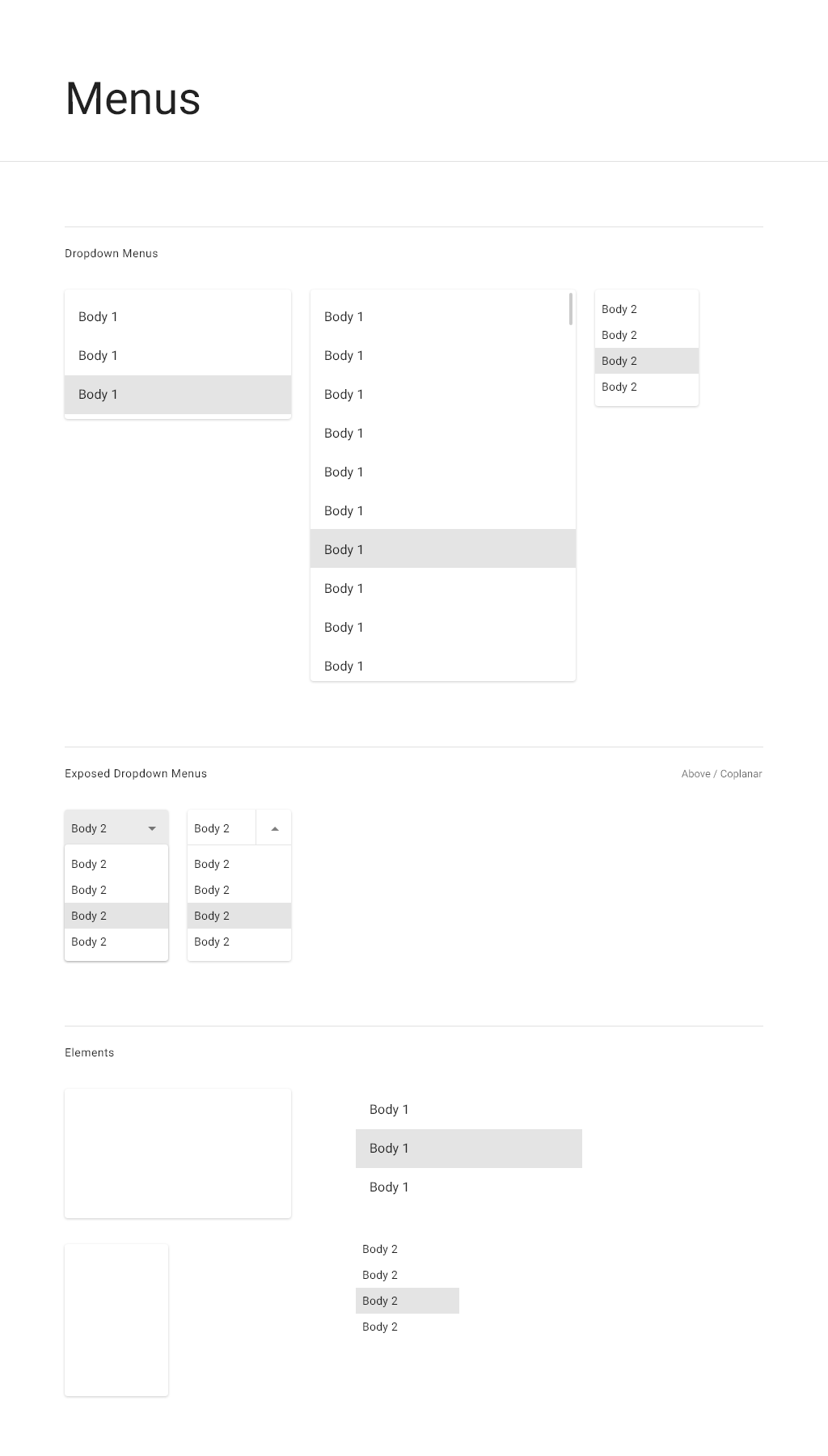
Description
Use menus to allow users to choose from a list of commands or options.
When to use
Use overflow menus when several commands are available for an object. In general, when more than 3 actions are supported for the object in context, display an overflow menu with additional commands.
In addition, a menu may be opened from a settings or options button.
Variations
Nested menus are also supported.
Interactions
Click the overflow or settings button to open the menu and then select the appropriate command.
Specifications