
In this lesson, you will learn about Model Services. This is the automatic REST interface to the business model. First read about the details of how to make requests to Model Services, then we will do some activities.
Model Services Syntax
The page (25.08) Model services was not found -- Please check/update the page name used in the MultiExcerpt-Include macro
Try it out
Let's start by looking at the Open API documentation for Model Services. Navigate to http://localhost:7080/training/openAPI.html. You should get a response something like...
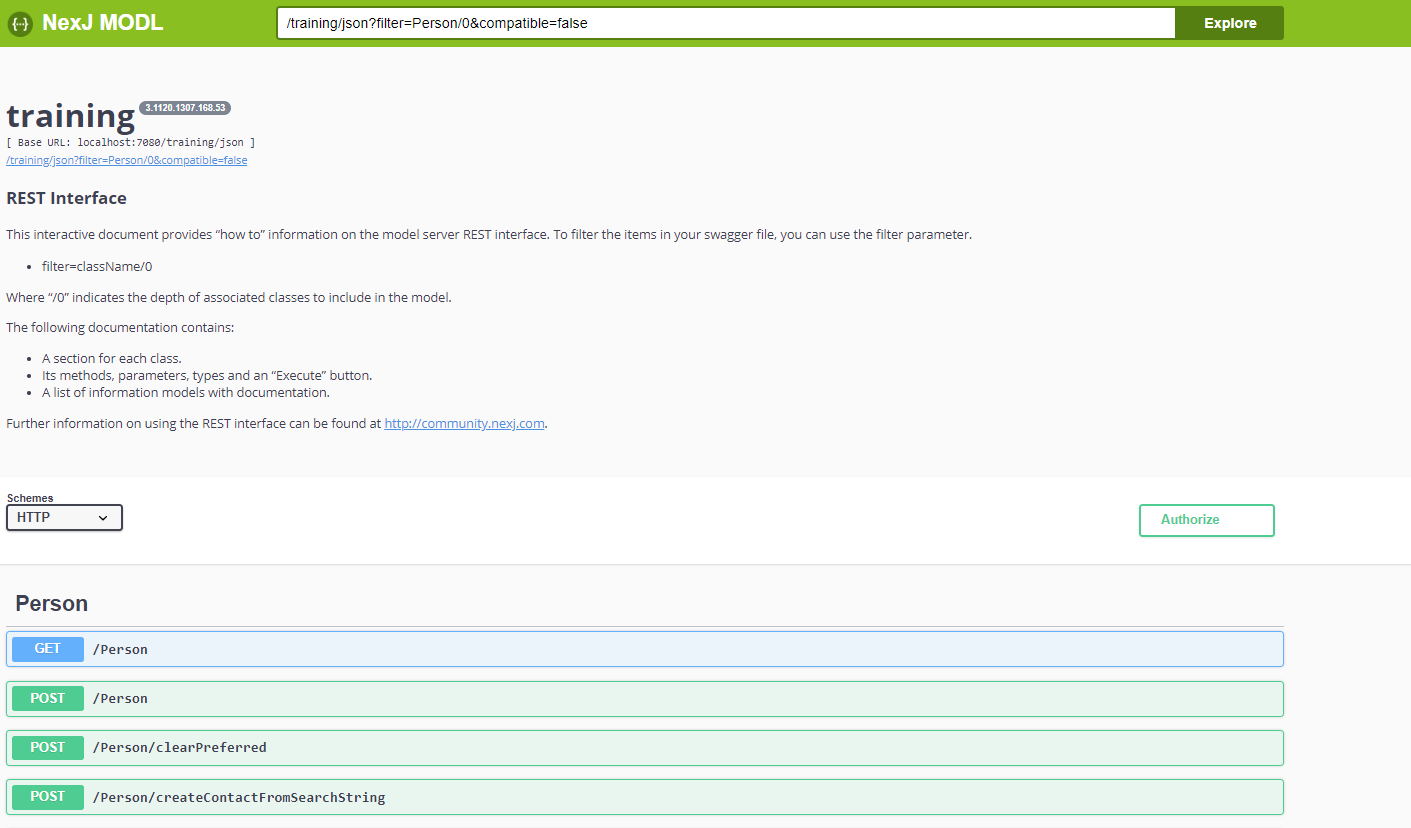
If we expand the GET /Person section, we will see that get supports the following querystring parameters.
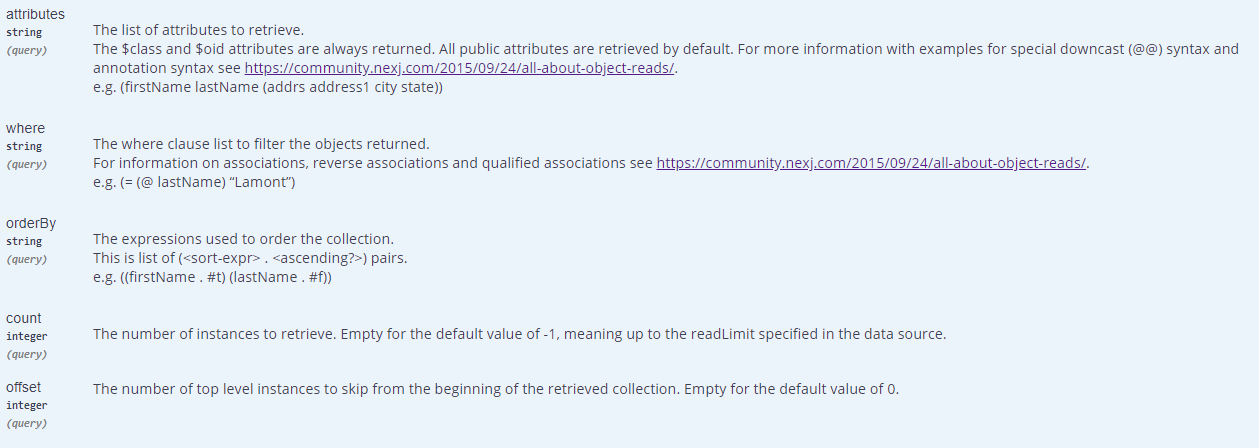
That link in the above screenshot is
https://community.nexj.com/2015/09/24/all-about-object-reads/
At the top of the parameters section, press the 
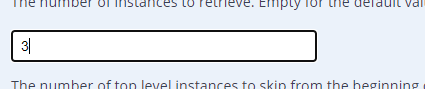
In the attributes textbox, enter (firstName lastName (addrs city state zip)) and in the count textbox enter 3.
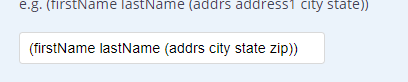
Then press the blue Execute button at the bottom of the parameters section. That will execute the request against the server and return the result in the Response body section.
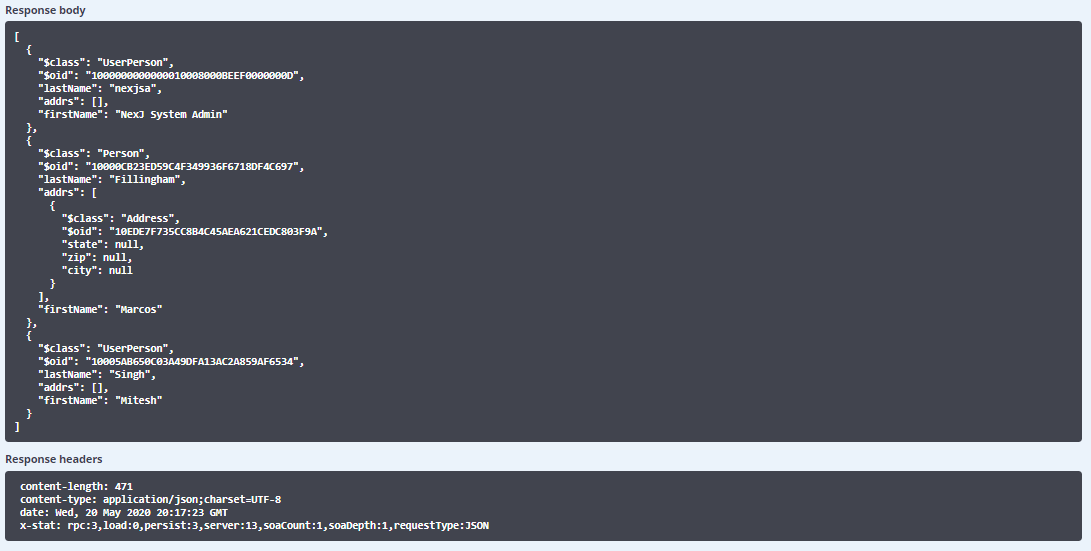
The request URL is http://localhost:7080/training/json/Person?attributes=(firstName%20lastName%20(addrs%20city%20state%20zip))&count=3.
Try out some of the other get parameters in your browser i.e. attributes, where, orderBy, count, and offset. You will also want to put &$indent in the URL as well so your output is more readable.
You can try out some of the other methods (POST, DELETE, PUT) by installing Postman and trying it out.